Some pages are essential for the SeaAI user system and subscription features to work properly, such as the Account, Subscription Pricing, History and Profile pages.
If you imported one of the demo websites, these pages are created automatically, so no additional setup is required.
However, if you are building your site from scratch, we recommend creating these pages manually.
When creating these pages, it is important to use the recommended page titles and shortcodes, as some plugin features rely on them to function correctly.
Pages List
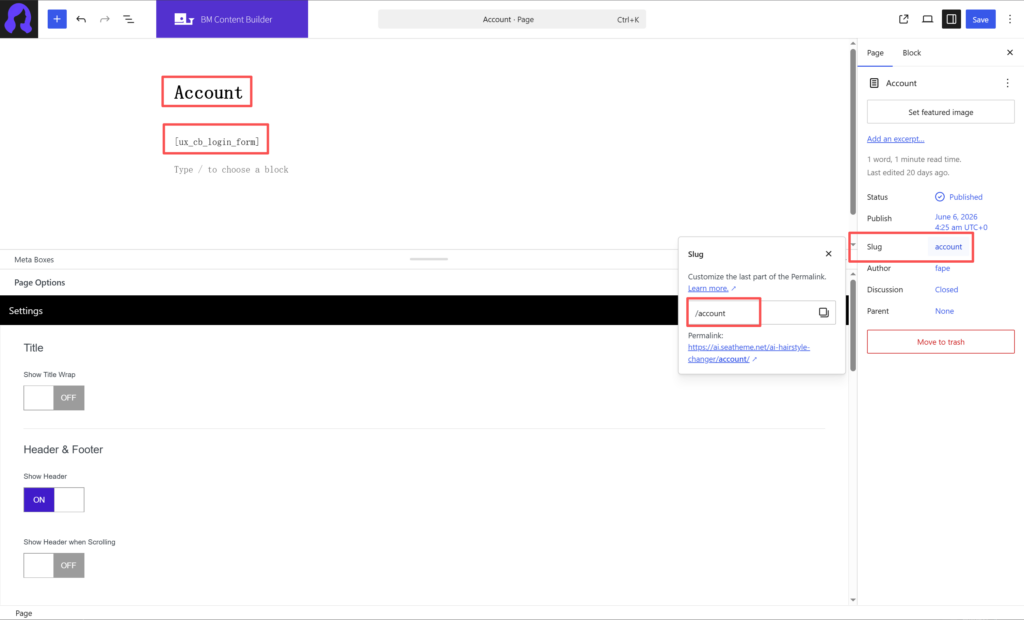
Account
User login, registration, and account management
Enter the title as Account, add shortcodes into WP editor: [ux_cb_login_form]
If your website uses a language other than English, you can translate the page title into your local language. However, please make sure that the page slug remains account, as some plugin features rely on this slug to work correctly.
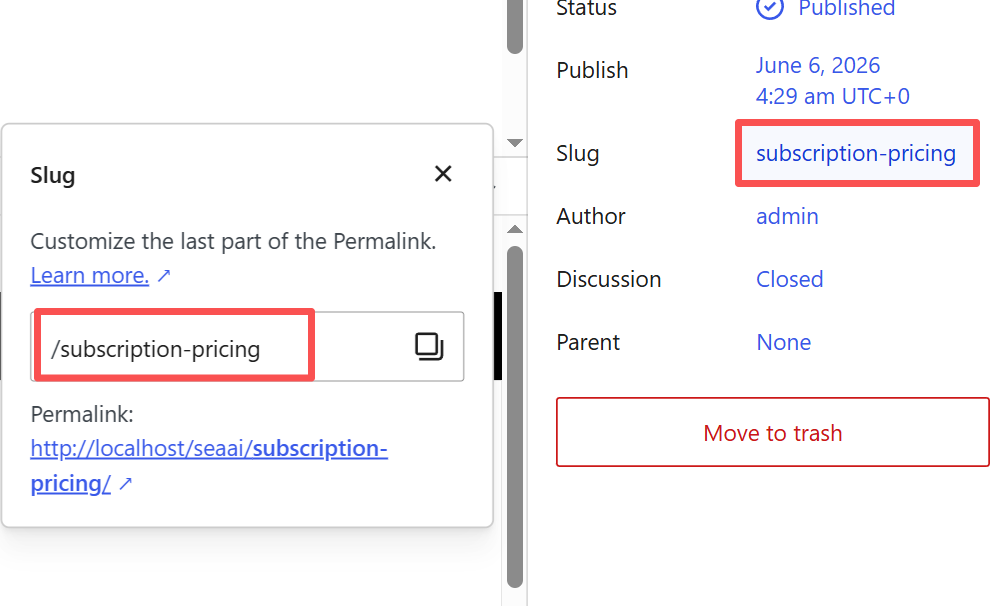
Subscription Pricing
Display subscription plans and pricing options
Enter the title as Subscription Pricing, add shortcodes into WP editor: [ux_cb_ai_subscription_pricing]
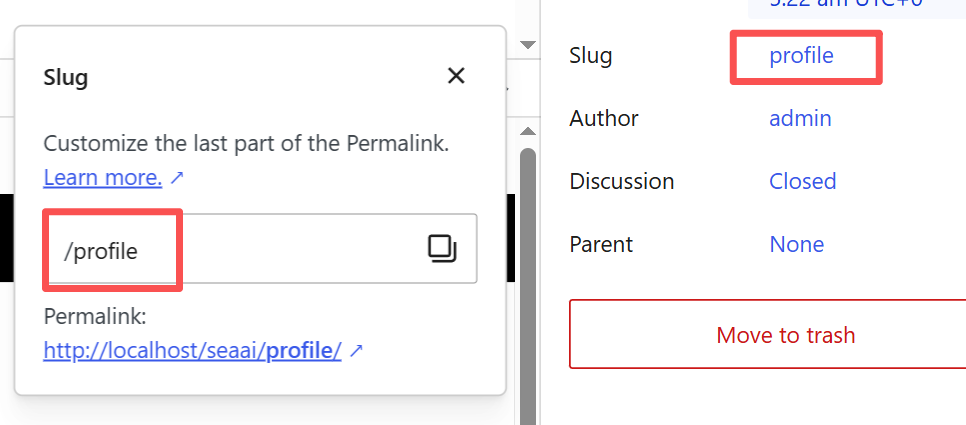
Profile
User profile settings, credits, subscriptions, and password changing
Enter the title as Prfile, add shortcodes into WP editor: [ux_cb_ai_profile]
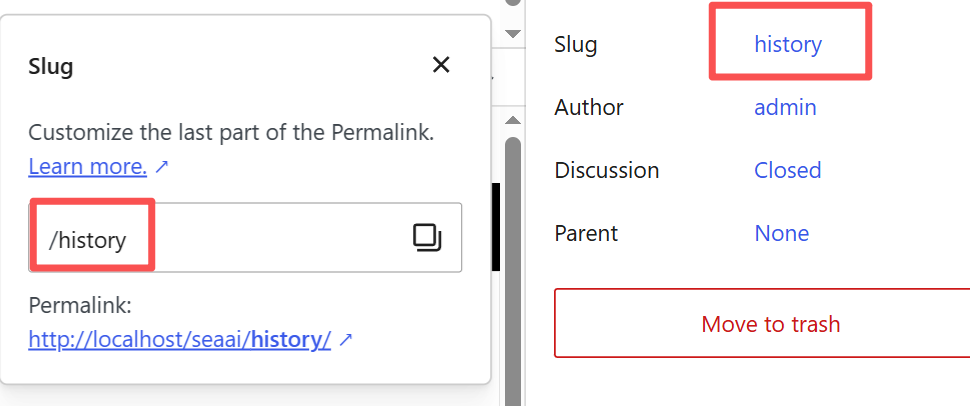
History
Enter the title as History, add shortcodes into WP editor: [ux_cb_ai_history]